







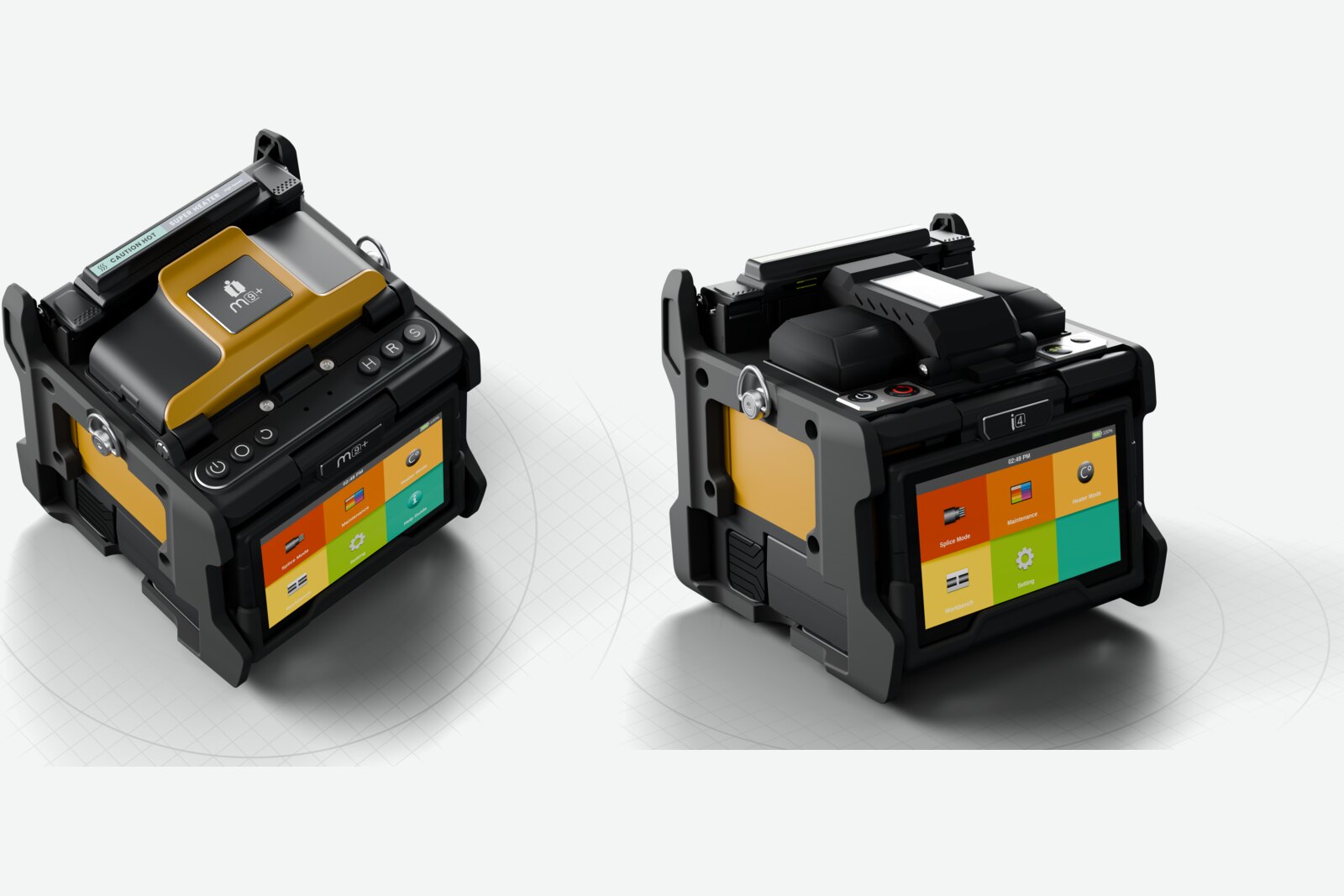
The best fusion splicer for FTTP depends on where in the network you work. For drops, home connections and repairs, a compact cladding alignment splicer is usually enough. For splitter nodes, feeder and spine cables, where losses add up and clients check every splice, core alignment is the safer choice. After that, battery life, weight, splice-on connector support and splice records decide how well a splicer fits your day.
Match the fusion splicer for FTTP to the job
| Type of FTTP work | What matters most | Alignment to look for |
|---|---|---|
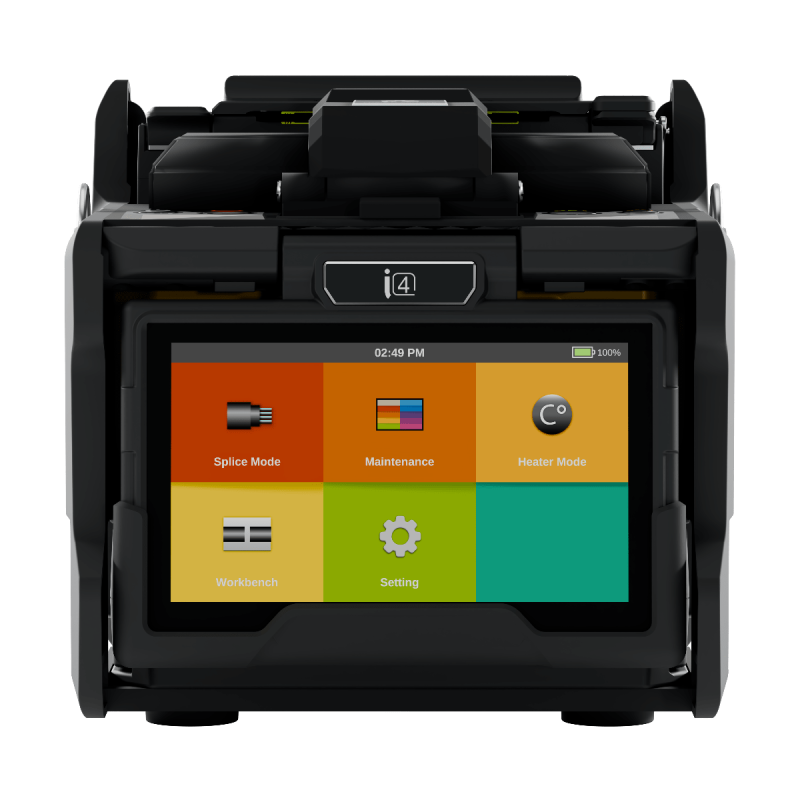
| Drops, home connections, repairs | Light weight, quick set-up, good value | Cladding alignment (active V-groove) |
| Splitter nodes and aggregation points | Consistent low loss, splice-on connectors | Core alignment |
| Feeder, spine and backbone | Lowest loss, mixed fibre types, long days | Core alignment |
Our guide to core alignment vs cladding alignment explains why the method matters.
Splicing G.657 and G.652 fibre
Most FTTP builds use bend-insensitive G.657 fibre in drops and closures and G.652 in larger cables, and you’ll often join one to the other. Any modern splicer handles both, but the splice mode needs to match, otherwise the estimated loss on screen won’t reflect reality. Our guide to choosing the right splice mode shows how to set this up.
These fibre types are defined by the ITU, in ITU-T G.652 for standard single-mode fibre and ITU-T G.657 for bend-insensitive fibre.
Size, weight and working conditions
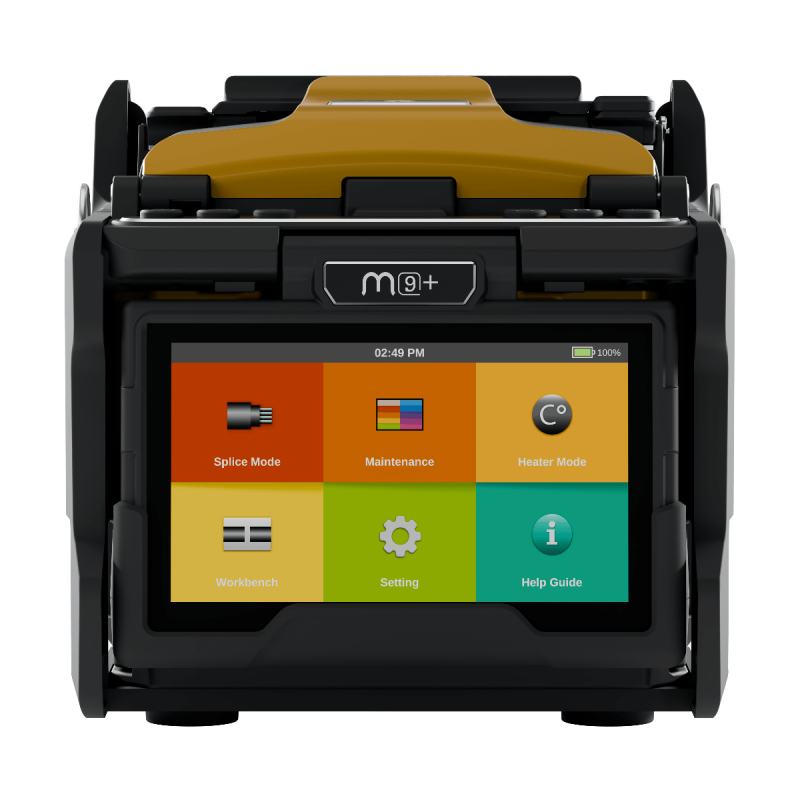
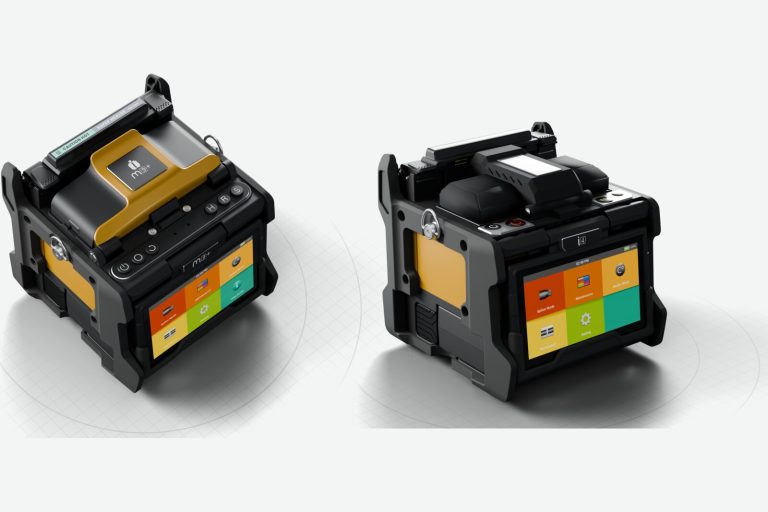
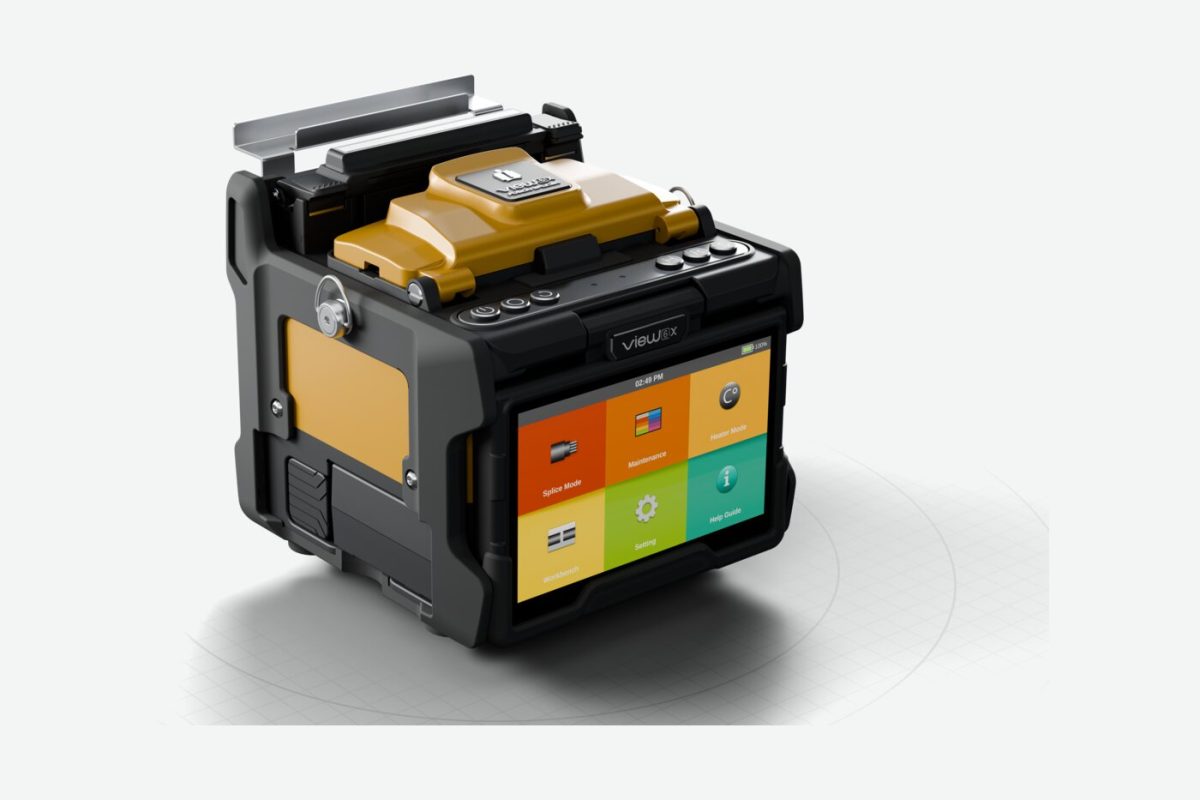
FTTP splicing happens in footway boxes, on poles, in cabinets and in customers’ homes, so a lighter machine makes a real difference over a day. Compact core alignment splicers such as the INNO M9+ now weigh around 1.6 kg including the battery.
Check the operating range too. Many current splicers are rated from −10 to 50 °C and for wind up to 15 m/s, and some adjust the arc automatically for air pressure and temperature, which helps when you move from a warm van to a cold chamber. Our guide to arc calibration explains what that adjustment does and doesn’t cover.
Battery for a full day
Running out of charge halfway through a closure costs time. Compare splice and heat cycles per charge rather than battery capacity alone, and consider a spare battery for long days. Our battery life guide has tips for getting the most from each charge.
Splice-on connector support
If you terminate with splice-on connectors, check the splicer has a holder and heater cover for them. Some kits include both as standard, others sell them separately.
Splice records and evidence at handover
More clients ask for proof of splice quality, not just a test result at the end. Splicers that store each splice with its image, estimated loss and GPS location make that easy. Cloud platforms such as View Pro Manager also let you lock approved settings so every technician splices the same way.
Don’t forget the cleaver
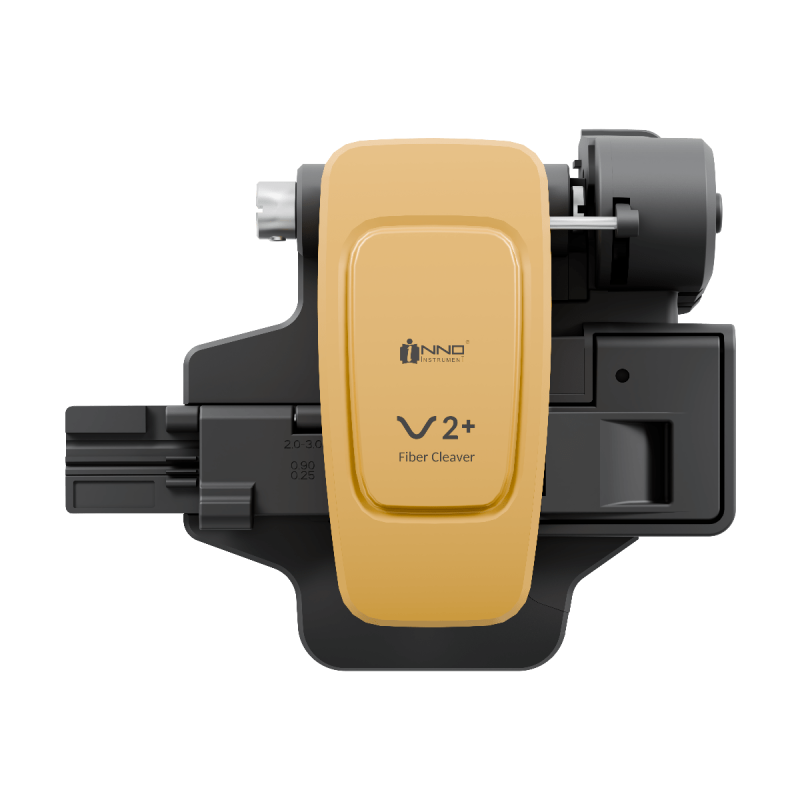
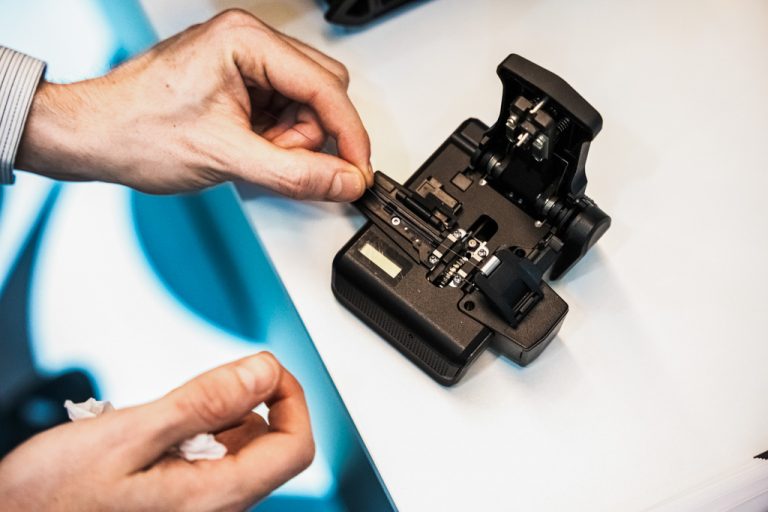
A splice can only be as good as the cleave. For single fibre FTTP work, look for a typical cleave angle around 0.5° and a blade rated for tens of thousands of cleaves. If you also work with ribbon, a cleaver that handles both saves carrying two. Our fibre cleaver guide covers cleave quality and blade care.
Plan for downtime
A splicer that fails mid-contract stops the whole job. Before you buy, check the warranty length, where repairs are carried out and whether you can get a replacement machine while yours is being serviced.
The splicers and cleaver below are examples of the kit commonly used for FTTP work.
There isn’t one answer for every job. Compact cladding alignment splicers suit drops and home connections, while core alignment splicers suit splitter nodes, feeder and spine work.
Not for every task. Cladding alignment works well on modern single-mode fibre for drops and repairs. Core alignment gives lower, more consistent loss where many splices add up along a route.
Yes. Modern splicers handle both. Select the matching splice mode so the loss estimate is accurate.
Related products
-

INNO i4 Active V-Groove Fusion Splicer
£1,100.00 +VAT -
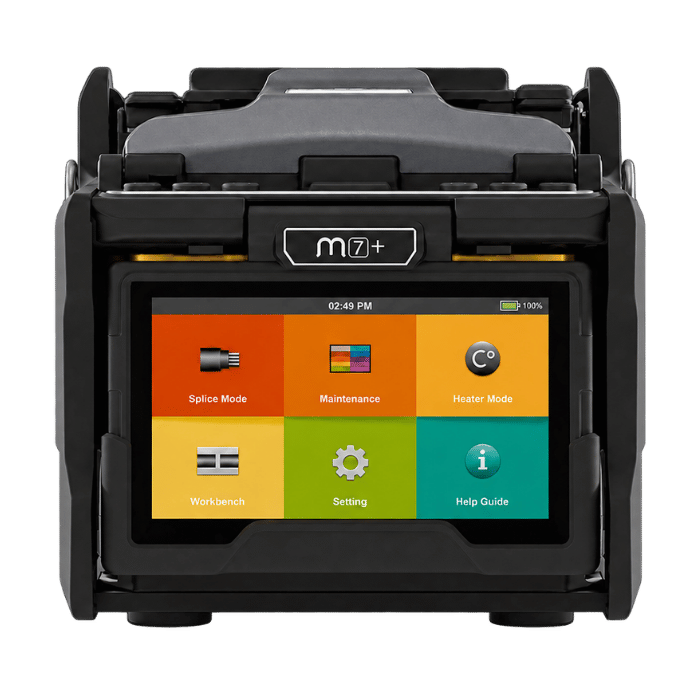
INNO M7+ Active Cladding Alignment Fusion Splicer
£1,850.00 +VAT -
INNO M9+ Core Alignment Fusion Splicer
Original price was: £2,350.00.£1,850.00Current price is: £1,850.00. +VAT -
INNO V2+ Precision Fibre Cleaver
£450.00 +VAT