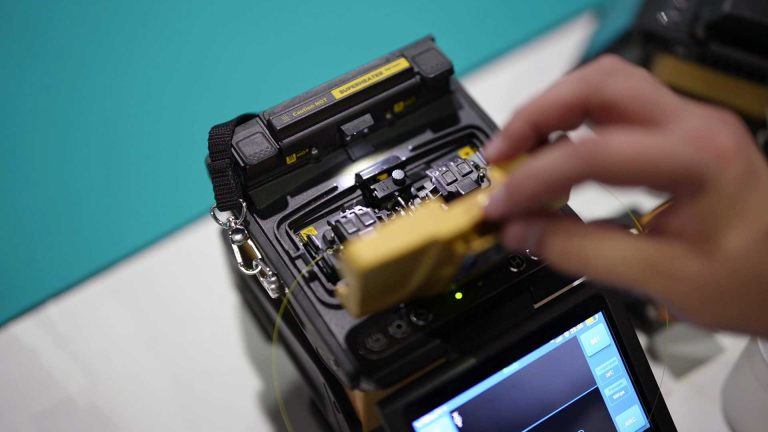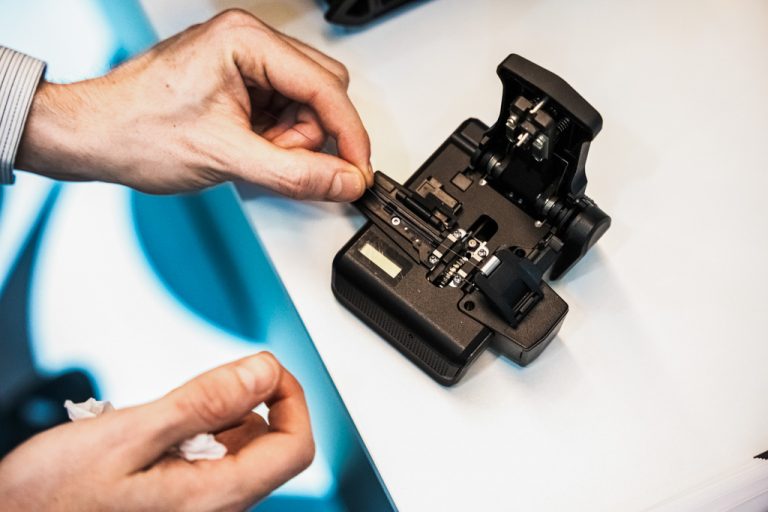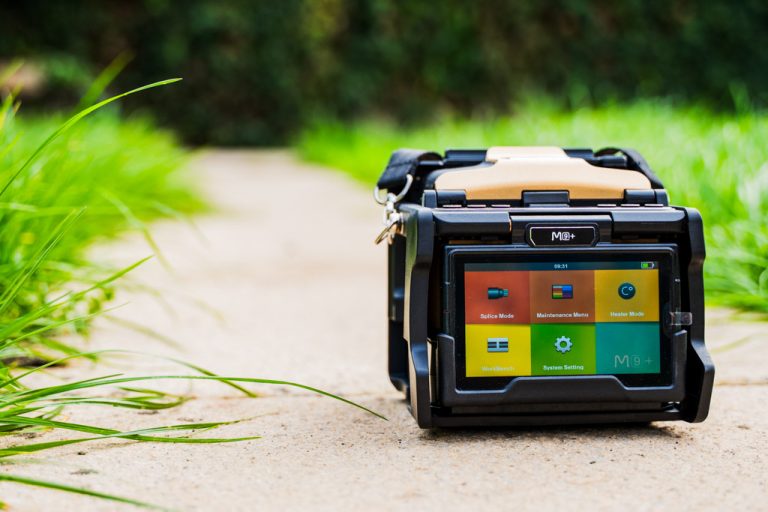








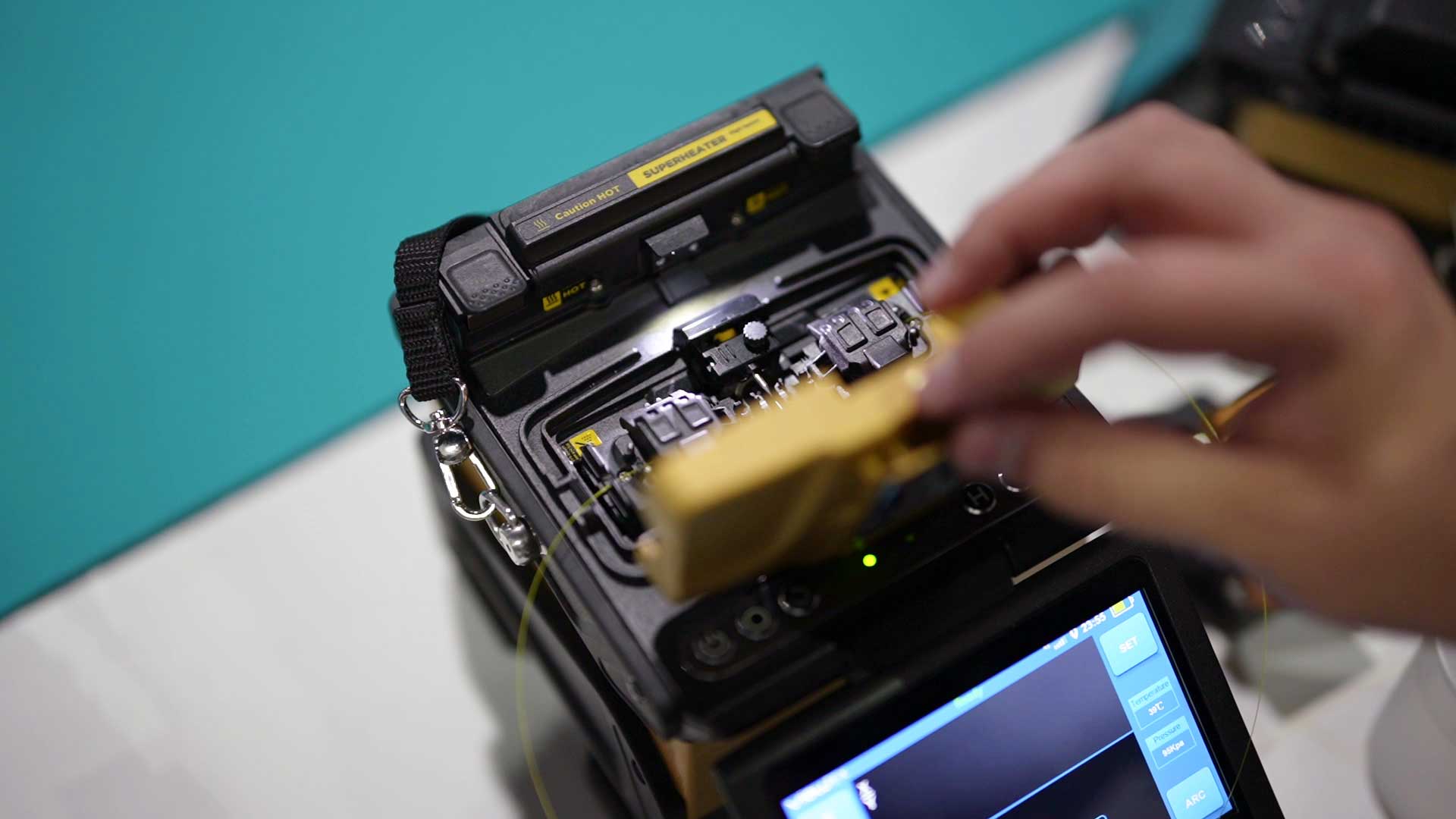
Fusion splicers, cleavers and OTDRs are valuable and easy to sell on, which makes them an obvious target in vans and on site. Most protection against fusion splicer theft comes down to everyday habits. Keep the kit out of sight, record every serial number and register your machines, so that a stolen splicer is hard to sell and easy to recognise when it turns up again.
Fusion splicer theft, and why fibre kit is a target
A fusion splicer kit fits in a single case, holds its value for years and can be listed online in minutes. Most buyers of used equipment have no easy way of knowing where a machine came from, so a stolen splicer can change hands quickly. For a contractor, the loss goes well beyond the machine itself. A technician without a splicer can’t finish the job, and the whole gang can be held up while a replacement is found.
On site and in the van
- Bring the kit in overnight. Most of the splicer thefts we hear about in the UK are from vans, and taking the kit indoors removes that risk.
- Keep it out of sight. Store cases in a locked van vault or cabinet rather than on the seat or floor, and don’t load or unload in view of passers-by if you can avoid it.
- Lock the van every time you step away, even for a few minutes at a footway box or a pole.
- Don’t leave a splicer unattended in an open chamber, cabinet or customer’s property.
Keep a record of every machine
If a machine is stolen, the serial number is the one detail that proves it’s yours. Keep a simple list for every splicer, cleaver, OTDR and power meter you own, with the model, serial number, purchase date and supplier, and store a copy of the invoice in one place in office.
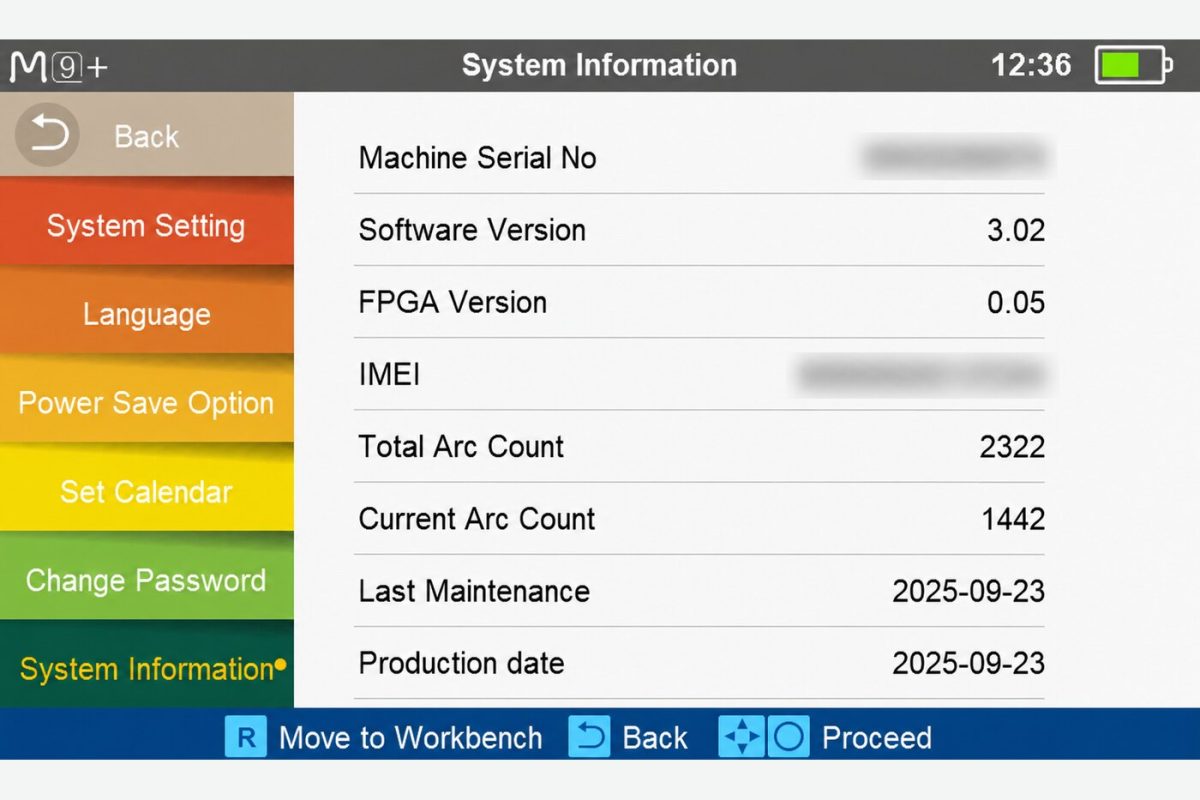
The serial number is on the label on the machine and is also shown in System Information on most current splicers. Take a clear photo of the label when the machine arrives. Some teams also mark cases and machines with the company name, which helps when identifying a recovered machine.
Register your serial numbers
A private list helps you prove ownership, but it doesn’t stop anyone buying your machine. A public register does. OwnerMark™ by Uptero records the serial numbers of fusion splicers, cleavers, OTDRs, power meters and other test equipment together with their status. It’s free to register, for any brand and wherever you bought the machine, and anyone offered a used machine can check its serial number before they pay. Owner details are never shown, only the status.
For fleet equipment you never sell, you can mark machines as not for sale. Anyone who checks one is asked to contact Uptero before buying, so a splicer taken from your van becomes much harder to pass on.
Lock and track your splicers with View Pro Manager
Compatible INNO splicers can be connected to View Pro Manager, INNO’s cloud platform for splicers and OTDRs. It uses the splicer’s built-in mobile connection and GPS, so there’s no Wi-Fi, hotspot or extra accessory involved, and nothing for the technician to do. Once a machine is connected, it becomes much harder to use if stolen and much easier to find.
- GPS tracking. See where each splicer is right now, and look back at its past locations and routes.
- Locking a missing machine. If a splicer goes missing, it can be locked so it can’t be used to splice.
- Anti-theft periods. A locking calendar means the splicer only keeps working while its period is renewed.
- Password and sync protection. A local password and a tamper-proof sync interval, with every connected device monitored continuously.
For a fleet, that turns a stolen splicer into a machine that’s of little use to anyone else, and gives you its last known location to work from. If you’d like help setting it up across your machines, talk to us about View Pro Manager.
If a machine goes missing
The first few hours matter, as stolen equipment is often listed for sale quickly.
- Find the serial number, model and purchase details from your records.
- If the machine is connected to View Pro Manager, lock it straight away and check its last known location.
- Tell your insurer and anyone else who needs to know within your business.
- Report the theft through OwnerMark™. Once the details are confirmed, anyone who checks the serial number is told not to buy it.
- Keep an eye on online marketplaces for listings that match your machine.
Uptero checks marketplaces daily, and every machine that arrives at our UK service centre is checked against the register, with the sender’s details compared with the registered owner. If a reported machine turns up, we tell the owner and help with the next steps.
You can find your local force and how to contact it through police.uk.
Buying a used splicer safely
The same checks protect buyers too.
- Check the serial number on the OwnerMark™ register before you pay. It’s free and takes a few seconds.
- Make sure the serial number on the machine matches the one in the listing and in System Information.
- Ask the seller for proof of purchase.
- Be wary of a price far below what similar machines sell for, or a seller who can’t explain the machine’s history.
- If you’re unsure, ask for the machine to be checked and serviced before you rely on it. Our service and repair page explains what a service covers.
Bring it in overnight, keep it locked and out of sight in the van, record its serial number and register it on a public equipment register such as OwnerMark™ by Uptero, so it’s hard to sell if it’s stolen.
Check the serial number on the OwnerMark™ register before you pay, make sure it matches the machine and the listing, and ask the seller for proof of purchase.
Gather the serial number and purchase details, tell your insurer and report the theft through OwnerMark™, so anyone who checks the serial number is told not to buy it.