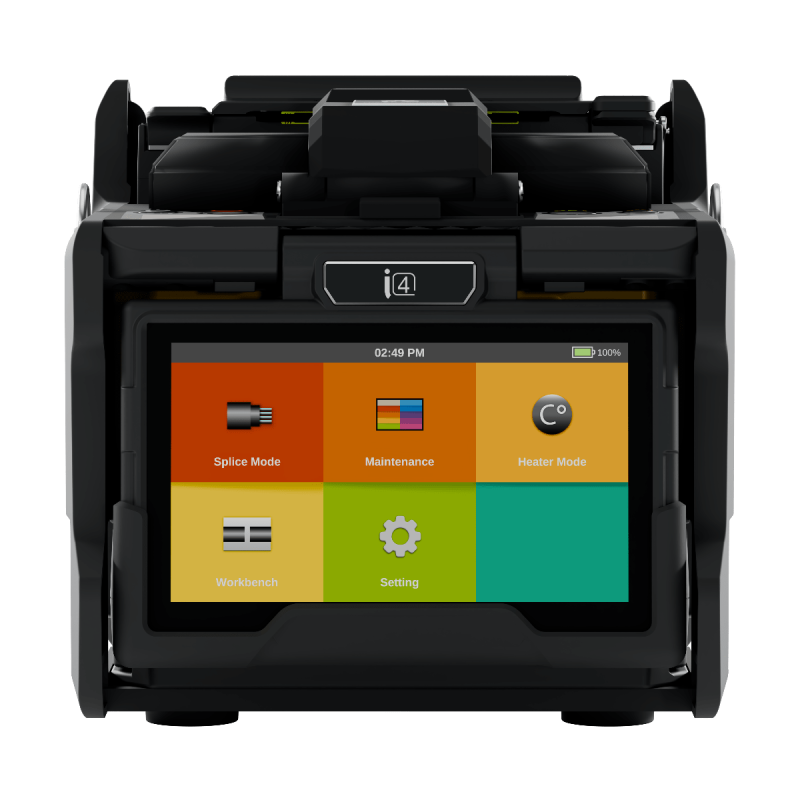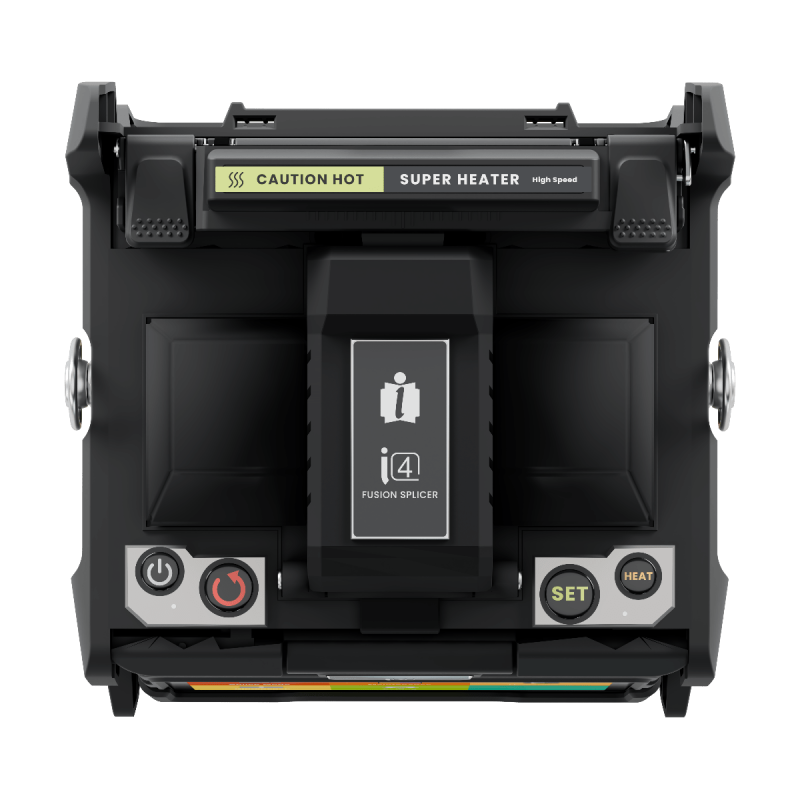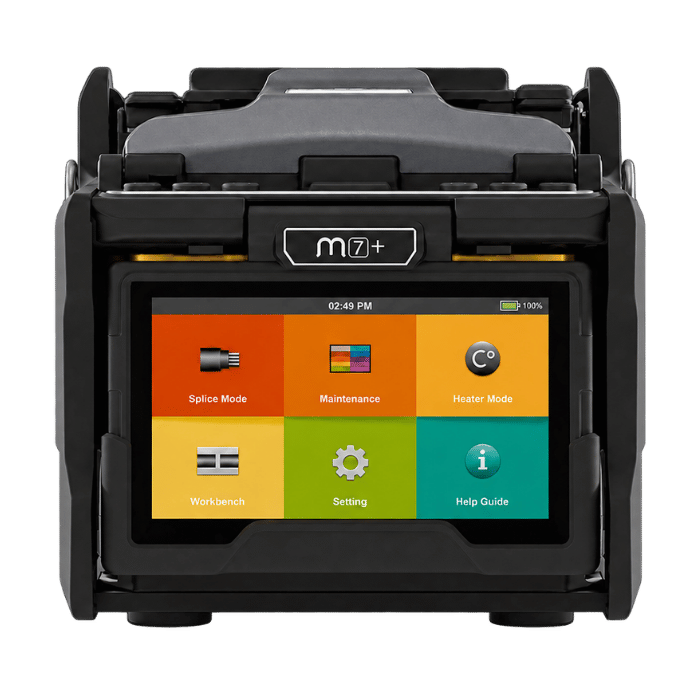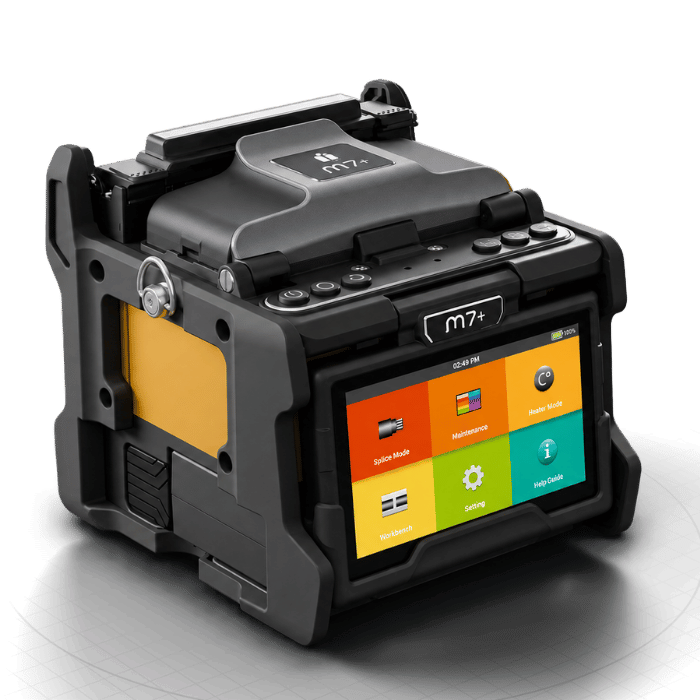








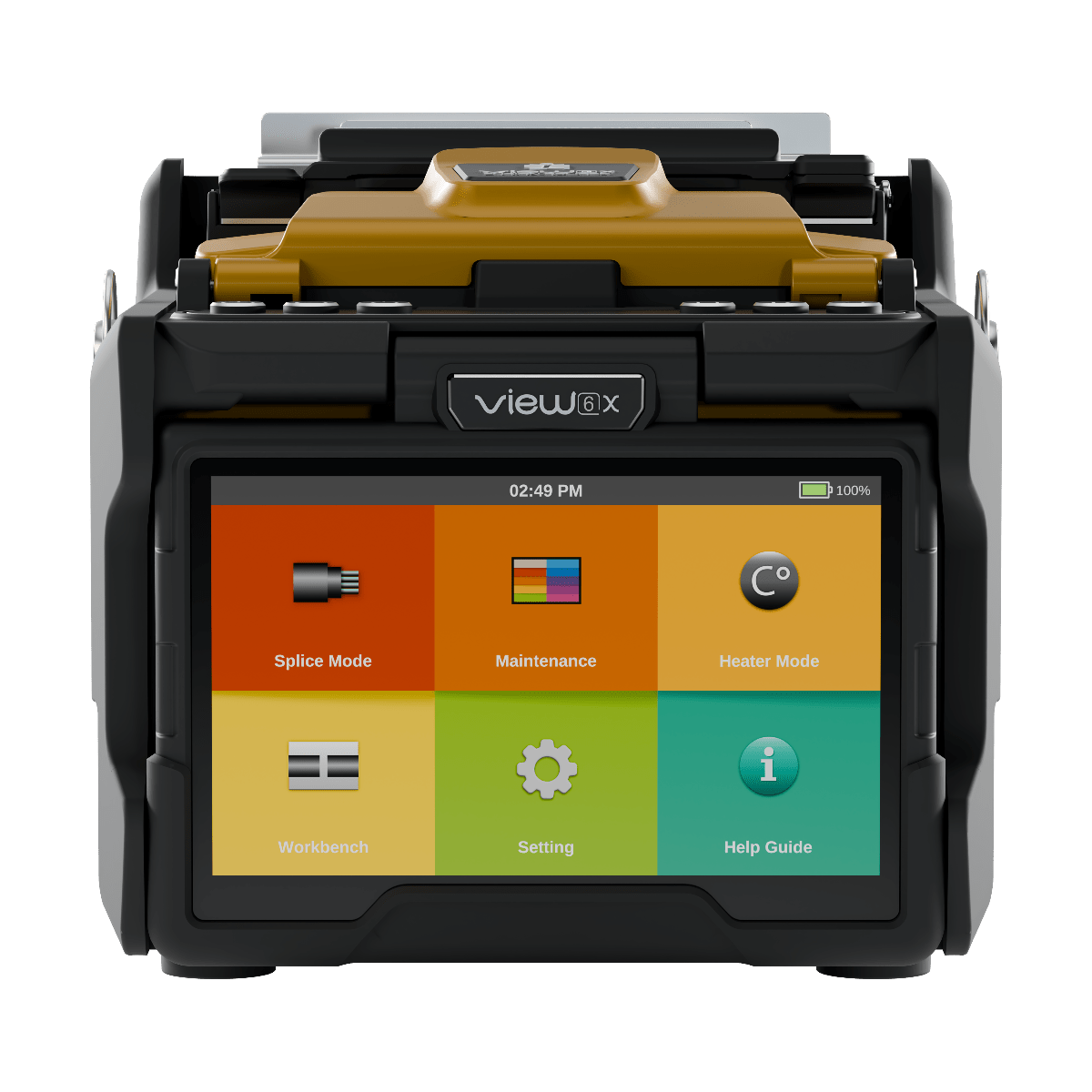
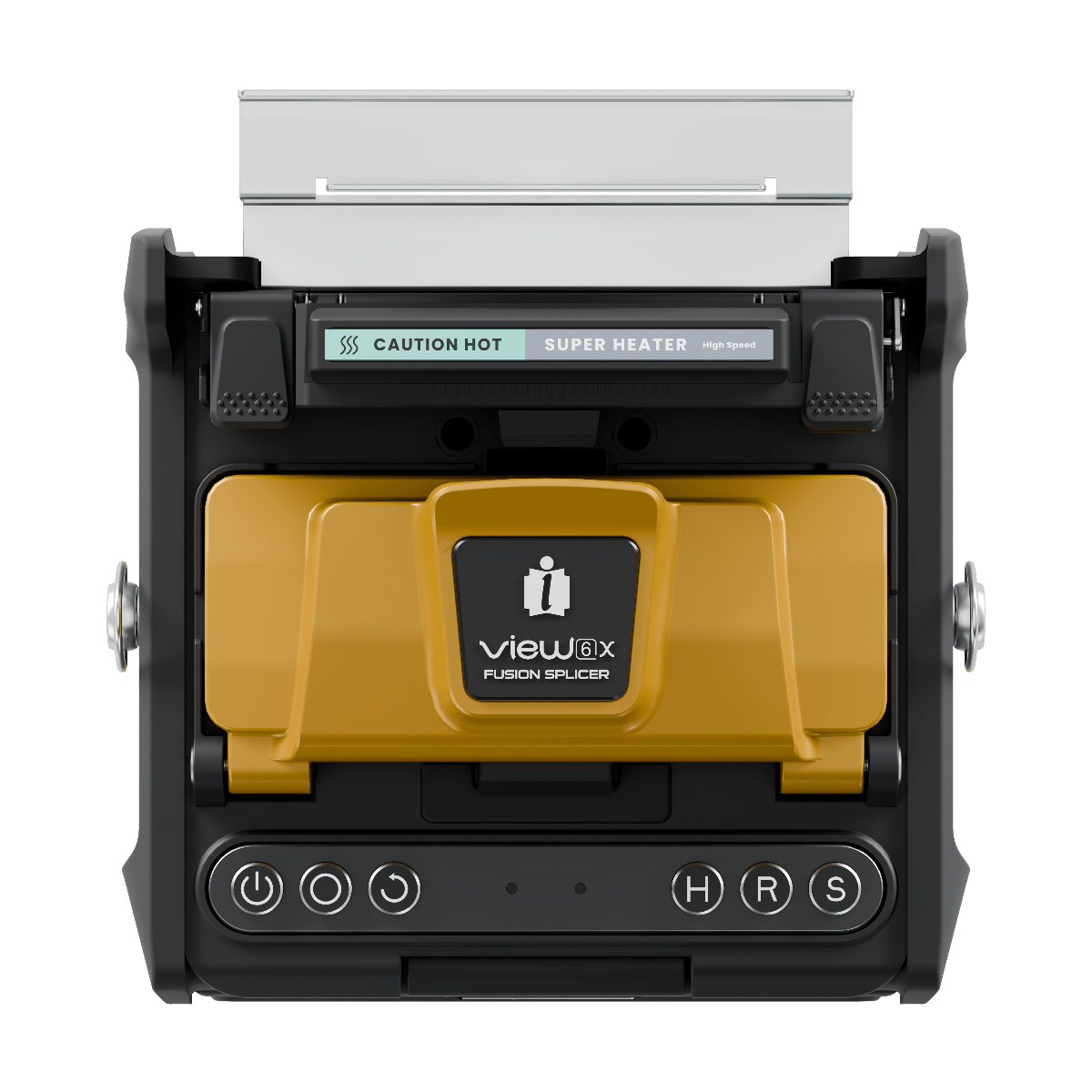
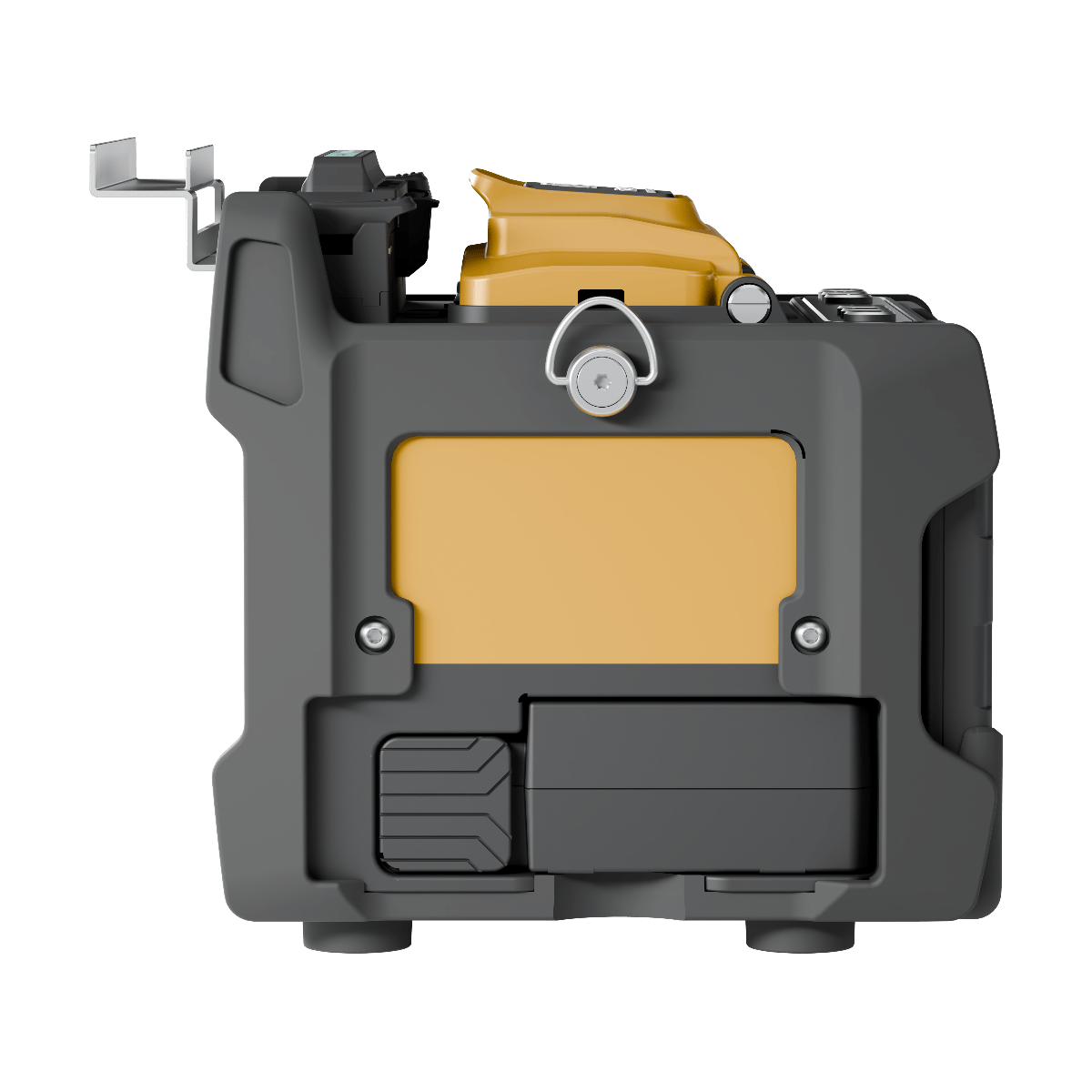
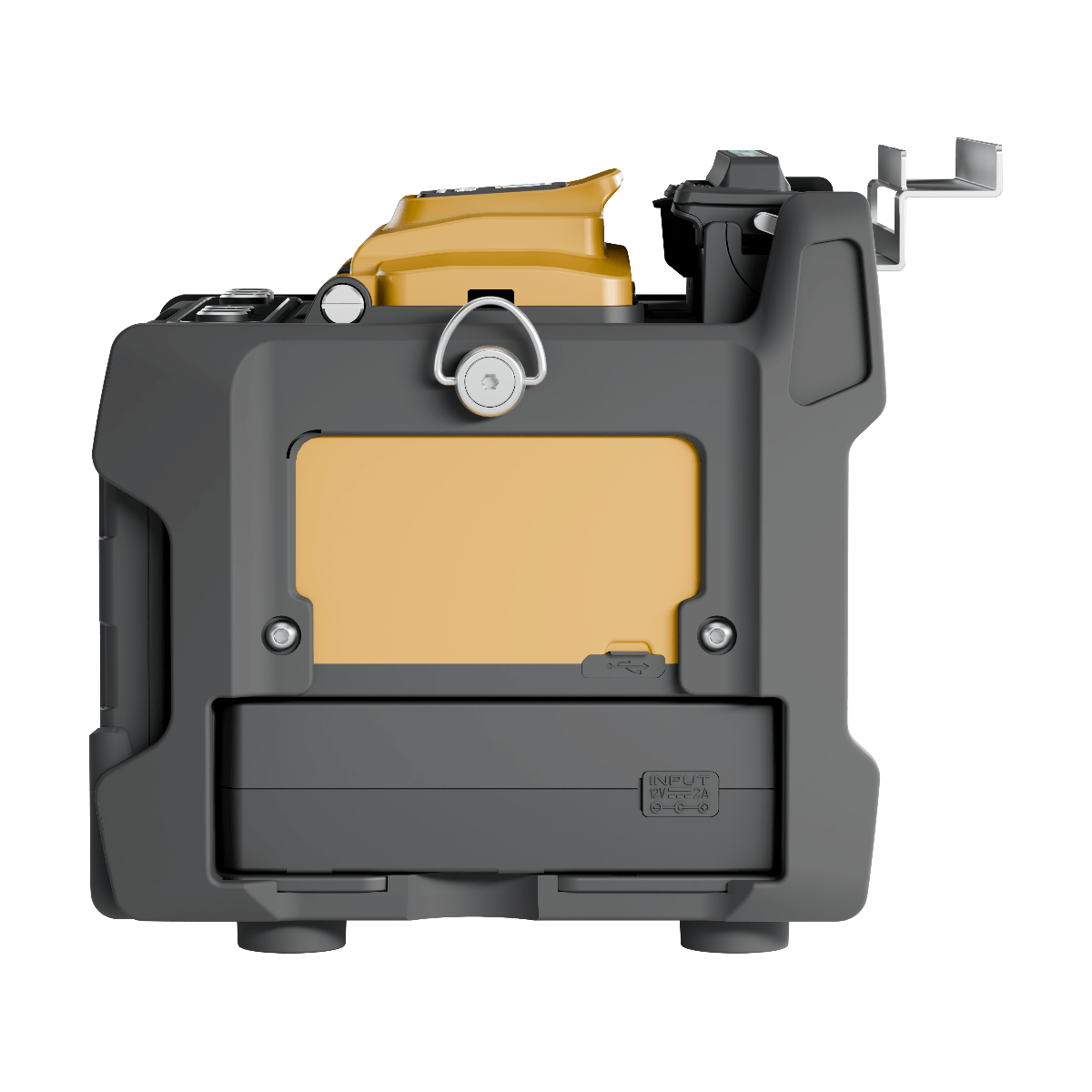
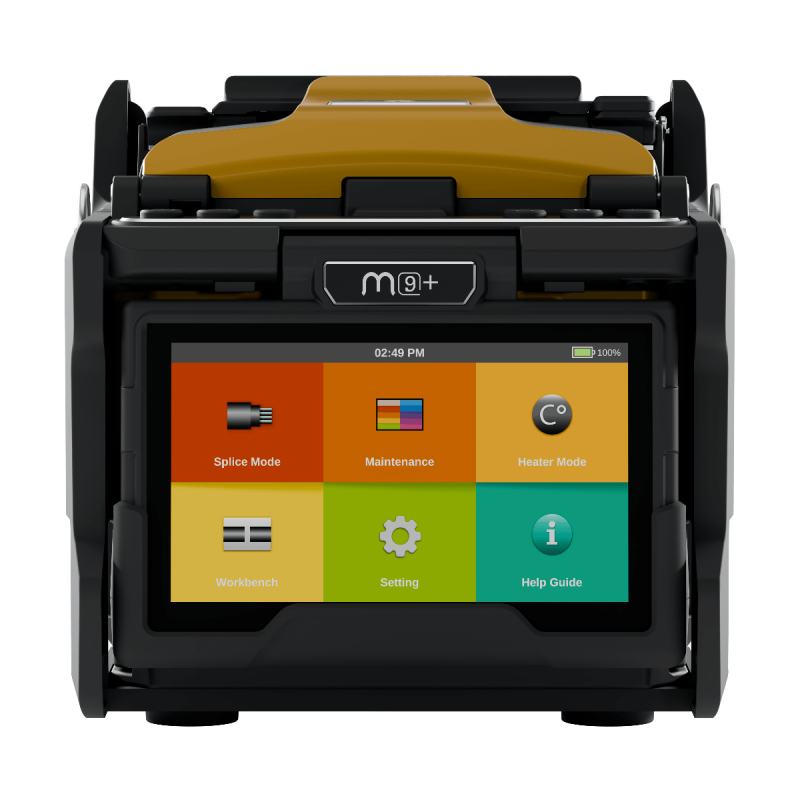
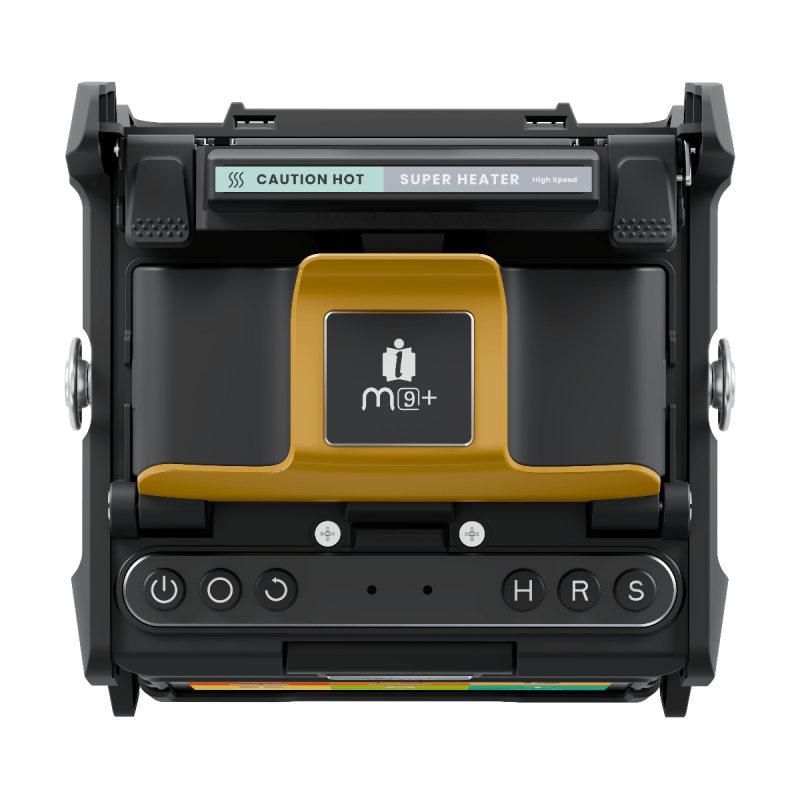
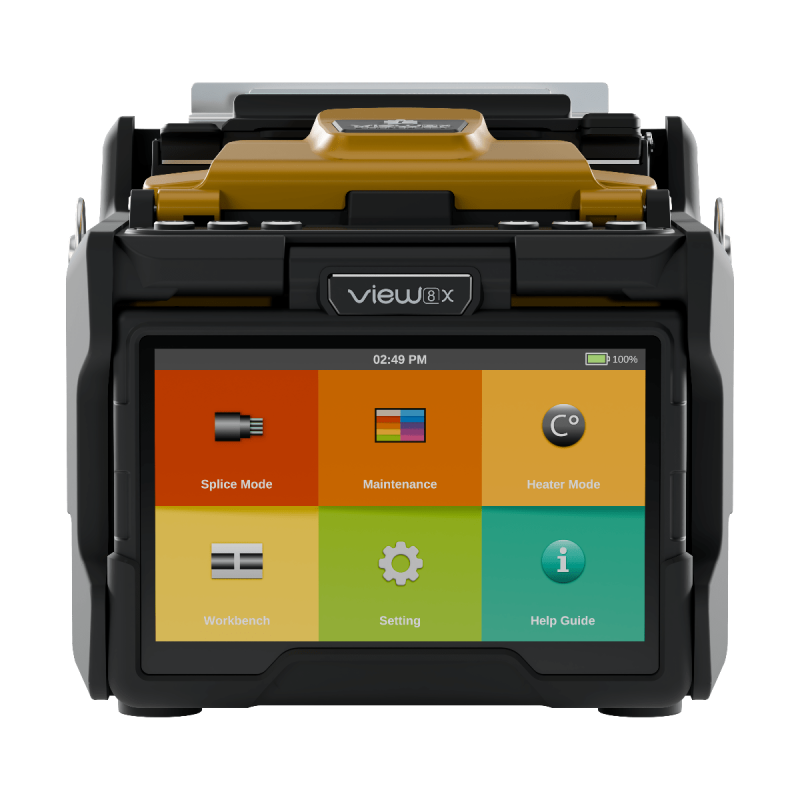
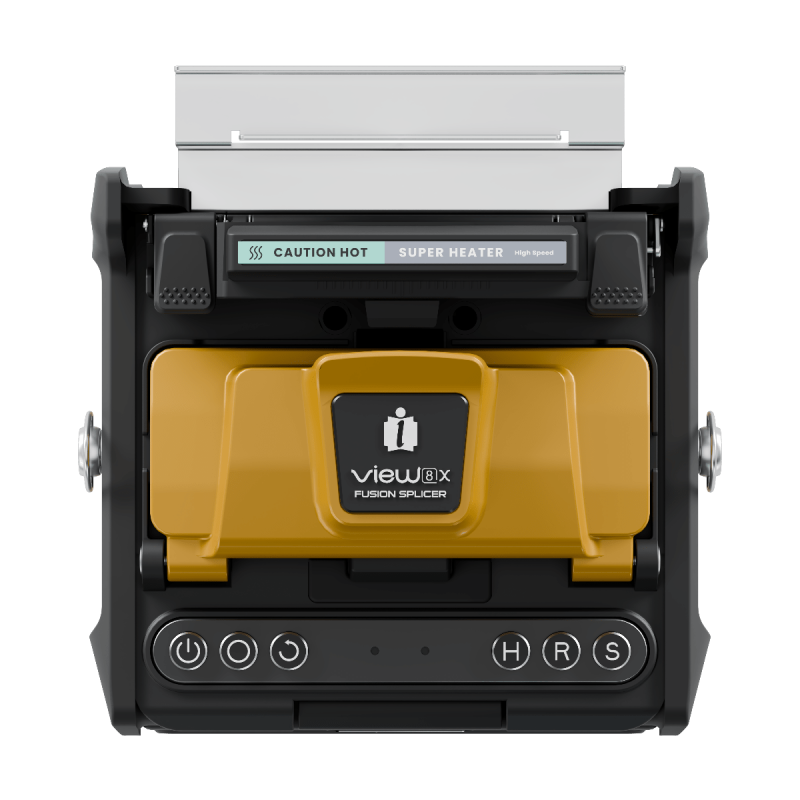
INNO View 6X Core Alignment Fusion Splicer

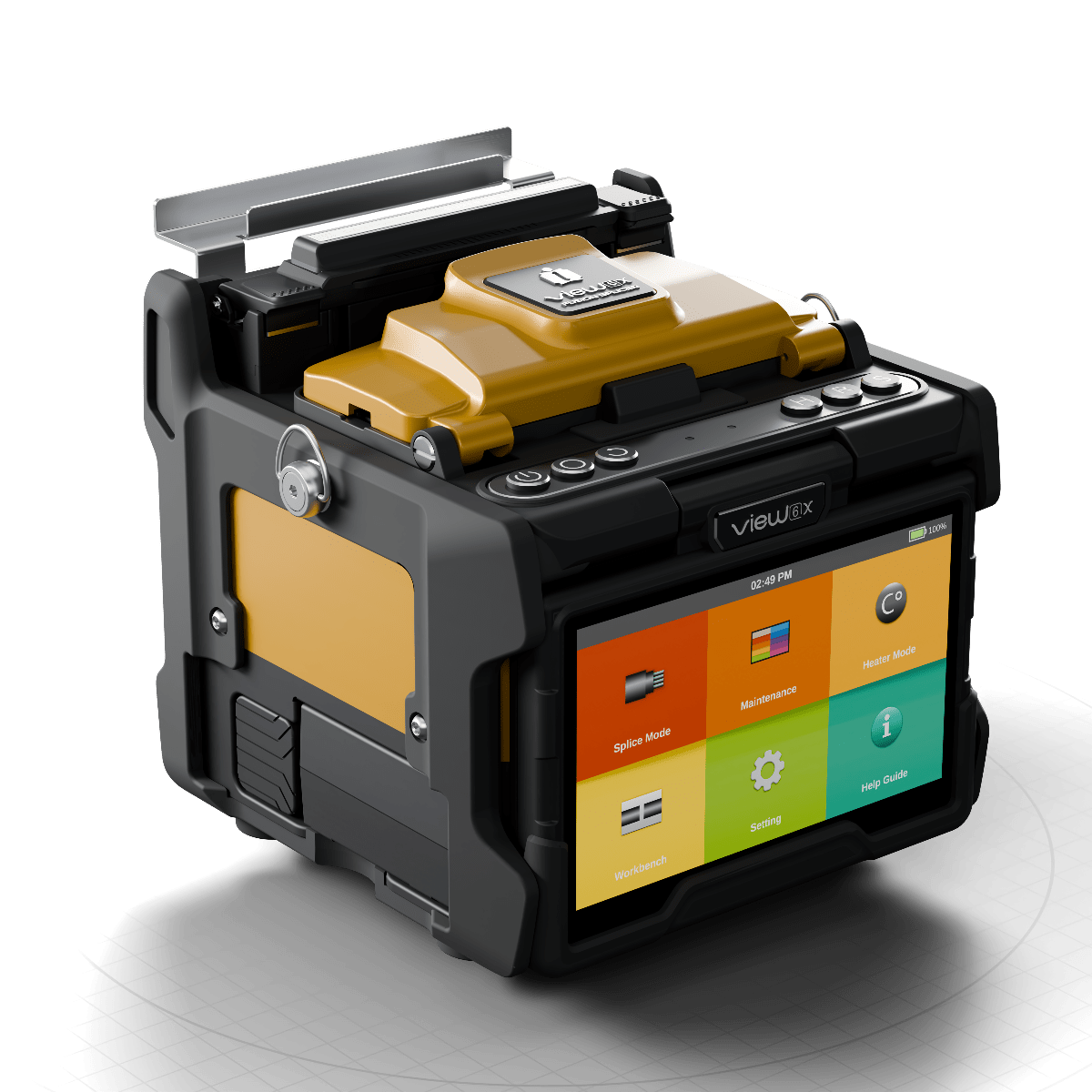
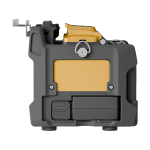
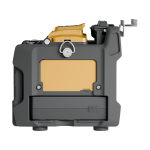
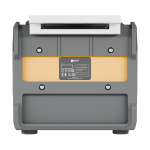
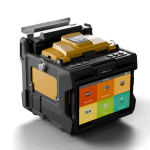
The INNO View 6X is a professional core alignment fusion splicer built for fast, accurate and reliable fibre installation and maintenance work. It combines 4-second splicing, 9-second heating, a 5-inch touchscreen, 7,000 mAh battery and up to 350 splice-and-heat cycles in a rugged field-ready platform.

£1,995.00 +VAT

3-year warranty

Included with every INNO splicer, backed by our UK service centre.

Quick enquiry

Ask about price, availability, trade-in or a demonstration. We’ll know which product you’re looking at, so just tell us what you need.


    We’ll get back to you as soon as possible.

    Key features

    • 4 s

      Ultrafast core-alignment splicing

      Core alignment in around 4 seconds, with typical loss of 0.01 dB on single-mode fibre.

    • 9 s

      Rapid heating

      The heater shrinks a 60 mm slim sleeve in as little as 9 seconds, with fast, even heat.

    • 350

      Cycles on one charge

      The 7,000 mAh battery gives up to 350 splice-and-heat cycles. Use and charge at the same time over USB-C.

    • ×520

      High magnification

      ×360 and ×520 magnification with high resolution for a detailed view of every fibre.

    • 6,000

      Arcs per electrode set

      Electrodes optimised for splice quality last up to 6,000 arcs.

    • 5.0″

      Large touchscreen

      A clear, intuitive interface with control buttons, bright work lighting and a durable metal windproof cover.

    Overview

    The INNO View 6X is a high-performance single-fibre fusion splicer designed for professional telecoms, FTTH, access, metro and backbone fibre applications.
    Using core alignment technology, the View 6X precisely aligns the fibre cores before fusion, helping deliver consistently low splice loss across a wide range of commonly used fibre types.

    Quick Mode provides an average splice time of approximately 4 seconds, while the pressure-heating system can complete a heating cycle in approximately 9 seconds, helping technicians work efficiently on both high-volume projects and time-critical field repairs.

    A large 7,000 mAh battery provides up to approximately 350 splice-and-heat cycles, while the 5-inch full-colour touchscreen provides a clear and intuitive interface for field operation. The View 6X can also be used while charging.

    INNO Instrument Exclusive Business Partner for the UK and Ireland

    Why buy from Uptero

    One team supports you from the first conversation to the last service, with everything your equipment needs in one place.

    Expert sales advice

    Help choosing the right equipment for your work and budget.

    Manufacturer warranty

    INNO warranty cover, handled here in the UK.

    Service and repair

    Calibration, servicing and repairs at our UK service centre.

    Rental equipment

    Splicers to hire for projects, busy periods and backup.

    Accessories and spares

    Genuine INNO parts, consumables and accessories in UK stock.

    Technical support

    Engineers on hand for faults, software updates and everyday questions.

    Specifications

    Technical specifications

    ModelView 6X
    Alignment methodCore alignment
    Number of fibresSingle
    Applicable fibresSM (G.652 & G.657) / MM (G.651) / DS (G.653) / NZDS (G.655)
    Coating diameter100 µm – 3 mm
    Cladding diameter80–150 µm
    Cleave length5–16 mm
    Typical splice lossSM 0.01 dB / MM 0.01 dB / DS 0.03 dB / NZDS 0.03 dB / G.657 0.01 dB
    Return loss> 60 dB
    Splice time
    Quick mode
    Avg. 4 s
    SM mode
    Avg. 5 s
    Auto mode
    Avg. 7 s
    Splice programmesMax. 300 modes
    Electrode lifespan6,000 arc discharges
    Heating programmesMax. 100 modes
    Heating time
    Quick
    9 s
    Average
    13 s (60 mm slim)
    Protection sleeve20–60 mm
    Data outputUSB-C
    Splice memory20,000 splice records / 20,000 images
    Battery
    Capacity
    7,000 mAh
    Operation cycle
    Up to 350 cycles (splice + heat)
    Charging
    USB-C
    Power supply12 V USB-C
    Monitor5.0" colour LCD, full touchscreen
    Magnification×360, ×520
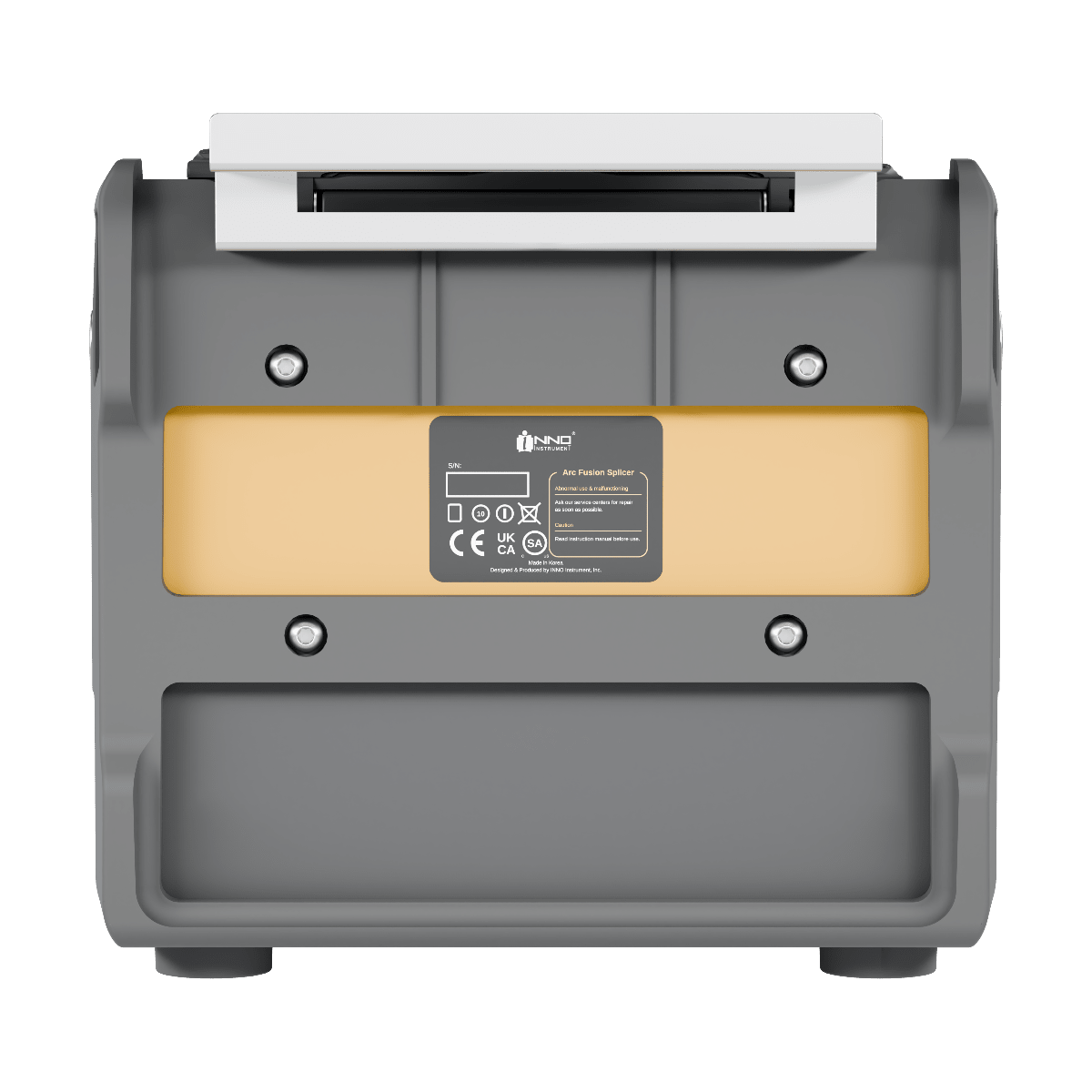
    Size (H × W × D)145 × 160 × 131 mm (with rubber bumper)
    Weight2.0 kg (including battery)
    Pull test1.96–2.25 N

    Package & accessories

    In the boxModel
    CleaverV2
    SOC holderFH-SOC-R
    SOC heater coverHTS-SOC-07
    Cooling trayCG-26
    ElectrodesE-70
    Battery packLBT-7000C
    USB adapterUSB-8P
    USB charging cableUSB-11P
    Carrying caseICC-61
    Shoulder strapST-02
    Optional accessoriesModel
    Alcohol pumpTK02-AP01
    StripperTK-MP01
    Cigarette lighter cable (USB-C)CJ-13
    Heat-shrink sleeve (60 mm)PS-60S
    Magnetic detachable holderFH-200/250S-1, FH-900S-1

    Environmental conditions & tests

    • IPX2Water resistance
    • 76 cm dropShock resistance
    • IP5XDust resistance
    Operating conditions
    Altitude
    0–5,000 m
    Humidity
    0–95%, non-condensing
    Temperature
    −10 to 50 °C
    Wind
    Up to 15 m/s
    Storage conditions
    Humidity
    0–95%, non-condensing
    Temperature
    −40 to 80 °C
    Resistance tests
    Shock
    76 cm drop onto bottom surface
    Dust exposure
    0.1–500 µm aluminium silicate
    Rain
    10 mm/h for 10 min

    Downloads & support

    Software for this product, plus direct access to our UK technical team.

    Software updates

    • Software 3.07For units on V3.xx

      General improvements

      How to update
      Update Instructions
      Prepare USBFormat a USB drive as FAT32.
      Prepare fileThe software archive must be named update.zip. If the downloaded ZIP has another filename, rename it to update.zip. Do not extract it unless the selected software version says otherwise.
      Copy filePlace update.zip directly in the USB drive root (main directory) — not inside a folder.
      Start upgradeInsert the USB drive and start the software upgrade from the on-device menu.
      ImportantV1.xx / V3.xx are separate generations and are not interchangeable.
      Download
    • Software 1.02For units on V1.xx

      Added G654E recognition and G654E/G652 splice modes; improved SM-MM AUTO splicing

      General improvements

      How to update
      Update Instructions
      Prepare USBFormat a USB drive as FAT32.
      Prepare fileThe software archive must be named update.zip. If the downloaded ZIP has another filename, rename it to update.zip. Do not extract it unless the selected software version says otherwise.
      Copy filePlace update.zip directly in the USB drive root (main directory) — not inside a folder.
      Start upgradeInsert the USB drive and start the software upgrade from the on-device menu.
      ImportantV1.xx / V3.xx are separate generations and are not interchangeable.
      Download

    Need a different version? Contact us or WhatsApp

    PC programs
    • USB port driver for Windows 8 and 10 (64-bit)ZIP, 6.1 MB
      Release notes
      Install this driver if your PC does not recognise the splicer when connected by USB.
      Download
    • INNO PC ProgramVersion 1.21ZIP, 81.0 MB
      Release notes
      Download splice records from your INNO splicer and create reports on a Windows PC.
      Download

    Every INNO splicer from Uptero carries a 3-year warranty. If it ever needs attention, our UK service centre turns repairs around in about 3 working days.

    Ask our technical team

    Questions about a fault, a software update or using this product? Send us the details and our UK engineers will get back to you.


      We’ll get back to you as soon as possible.