








Free field guide / Autumn and winter 2026/27
Winter care for fusion splicers
Cold vans, heated cabs and damp sites all change how a splicer, cleaver and stripper behave. Our free guide covers the checks that keep INNO equipment splicing well from October to March.
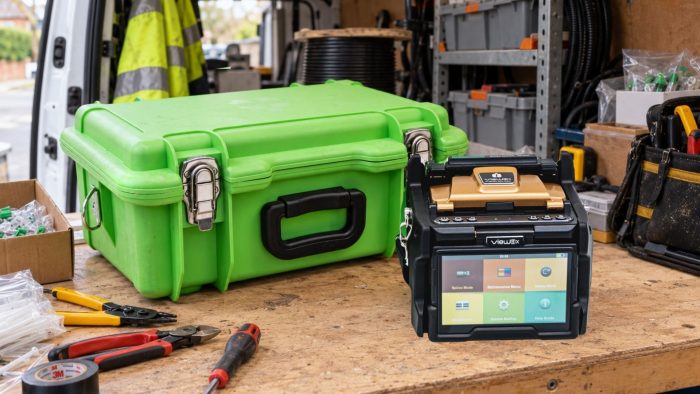
Free PDF, no sign-up
Read it online or download it to your phone or tablet.
15 pages, 10 sections
One working day, from overnight storage to damp equipment.
From our service bench
Based on what we see on INNO machines that come in for repair.
Written for UK winters
Cold vans, rain, brick dust and damp afternoons.
Why winter is harder on kit
Most winter faults start before the first splice
A splicer can arrive on site dry and still mist up. A dirty cleaver causes problems that look like a splicer fault. A machine that splices well at eight may need recalibrating by lunchtime.
01
Condensation
Moisture forms on cold equipment the moment it meets warmer, damper air. It settles on lenses, V-grooves and contacts, often where you can’t see it.
02
Changing conditions
Temperature, humidity and pressure all change the arc. Every move between van, cabinet and building is a different environment for the splicer.
03
Dirt and damp on site
Rain, mud and brick dust find their way into the splicing chamber and the case. Small amounts cause repeated alignment errors and high loss.
6,000 arcs
Recommended electrode replacement on current INNO splicers, or 5,500 on earlier models.
IPA 99% or higher
Cleaning alcohol with no additives, kept tightly capped.
0°C charging limit
Charge lithium-ion batteries indoors, never in a cold van overnight.
The working day
Six habits from van to splice
01
Dry storage
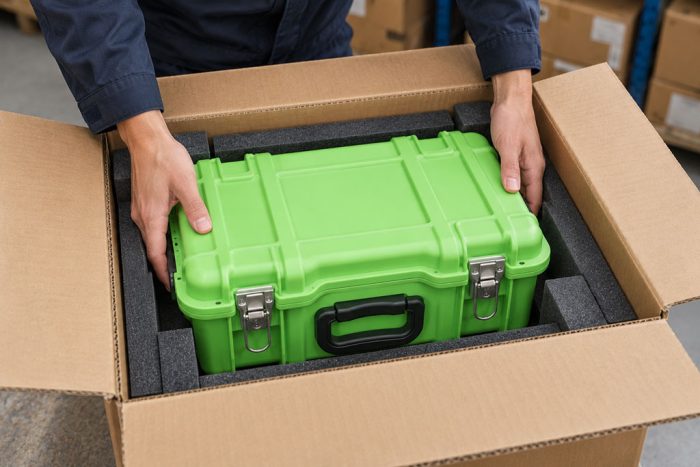
Kit indoors overnight, in a closed case in a dry room.
02
Secure transport
Case latched, secured and kept off a wet floor.
03
Acclimatisation
Switched off with the case shut for the first few minutes somewhere new.
04
Arc calibration
At the start of the day and whenever conditions change.
05
Sheltered work
Out of the rain and upwind of drilling or cutting.
06
Dry packing
Case and inserts checked before the kit goes back in.
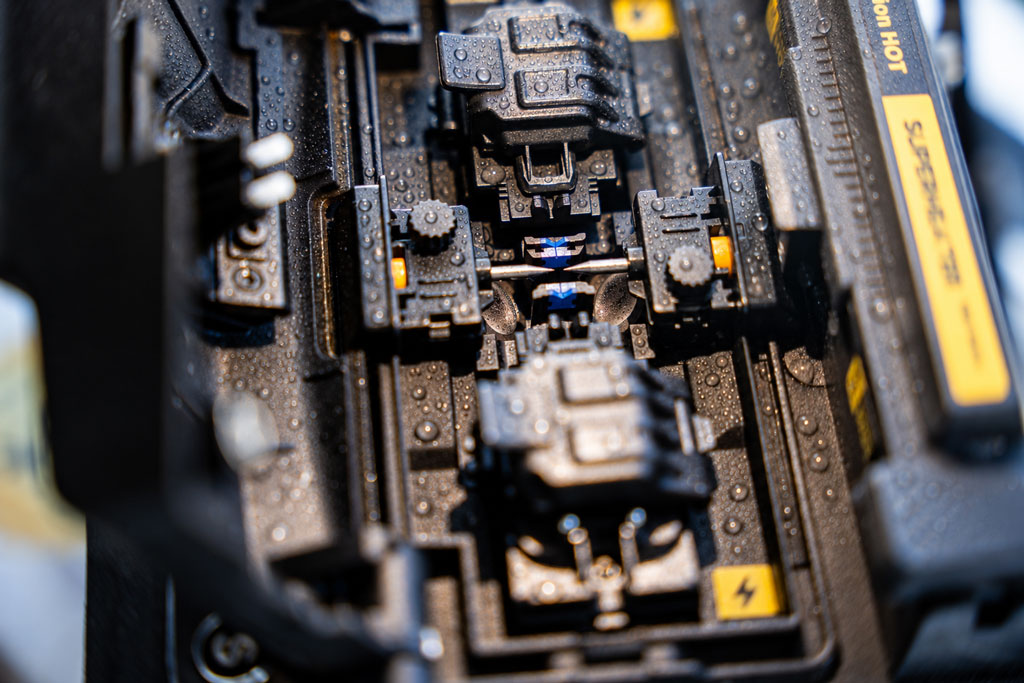
Moisture and temperature
Let the splicer match the place it will work in
Off for the first few minutes
Keep it switched off with the case shut when it moves somewhere new. Allow longer for a bigger jump in temperature, such as a frosty van to a heated room.
Lenses and screen clear
Make sure the lenses and screen are clear before operation. If they are still misted, wipe the lenses with a clean cotton bud.
Batteries charged indoors
Lithium-ion packs mustn't be charged below 0°C. INNO splicers are rated for storage down to −20°C, so the cold itself is rarely the problem.
Room air at 20°C and 60% humidity has a dew point of about 12°C. A splicer that spent the night in a van at 4°C is well below that, so moisture forms on it as soon as you bring it in.
Preparing the machine
Calibrate, clean, then splice
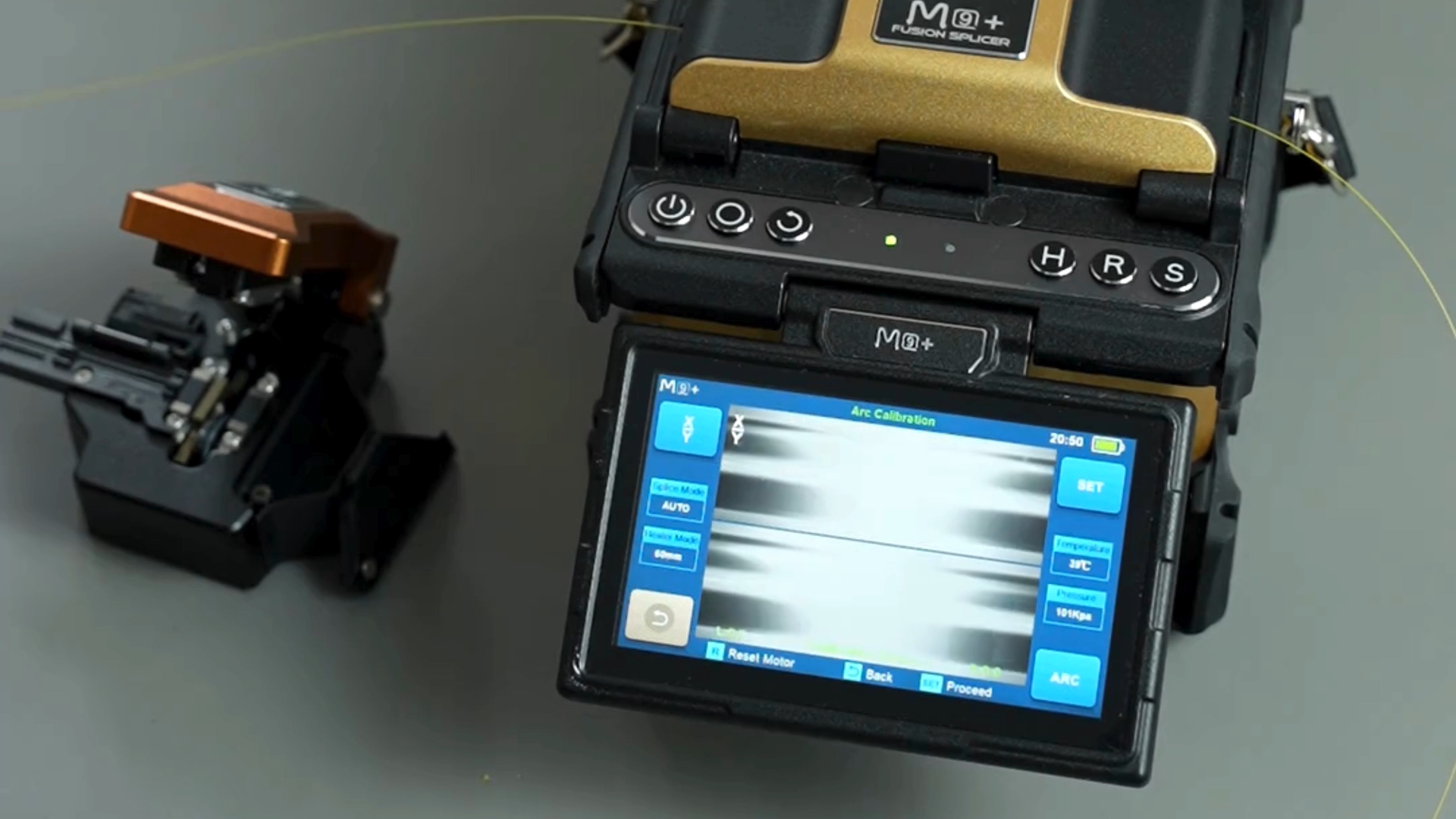
When to run Arc Calibration
At the start of every working day, whenever the environment changes, after new electrodes and when loss becomes high or inconsistent.
Both values should read 11
Anything from 9 to 12 is acceptable. Use fresh G.652.D fibre and never multimode fibre.
Clean before you blame the splicer
Dirt on the V-grooves, press arms or cleaver shows up as alignment errors, poor cleave angles and high loss.
Arc Calibration measures how far each fibre end melts back and where the arc centre sits, then corrects the arc for the conditions.
Damp equipment
Condensation usually clears on its own
Wipe the splicer down, switch it off, take the battery out and let it dry at room temperature out of the case. Heaters, hairdryers and rice don’t speed it up. If water got inside, or you’re not sure whether it did, don’t switch it on and send it to our service centre.
The full guide
Autumn and winter care guide
Ten sections on one working day, from overnight storage to recovering damp equipment. Open it in your browser or download the PDF to keep on your phone or tablet.
- 01 Moisture risks
- 02 Temperature changes
- 03 Overnight storage
- 04 Working area
- 05 Arc calibration
- 06 Splicer cleaning
- 07 Cleaver and stripper care
- 08 Electrodes and arc count
- 09 Carrying case care
- 10 Damp equipment
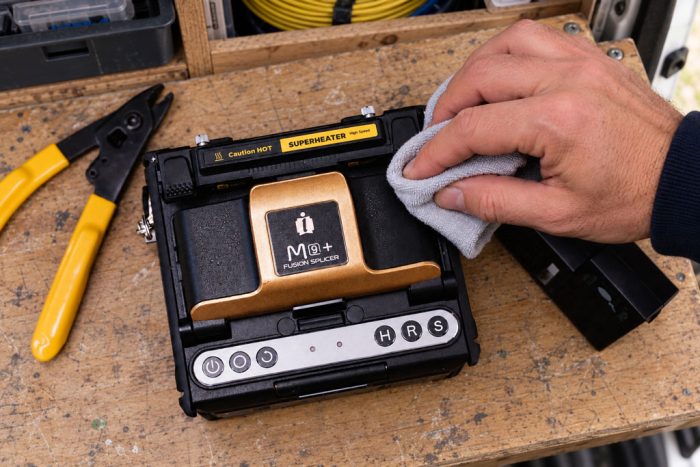
Support beyond the guide
Something not right? Talk to an engineer.
If your splicer has persistent faults, is due a service or has been exposed to moisture, get in touch and we’ll talk it through. It helps to have the serial number and any error messages to hand. We reply as soon as possible.
Questions
Winter splicing questions
There's no fixed number of minutes. A few minutes in the new environment is often enough for the splicer to stop misting and work normally. A bigger jump, such as a frosty van to a heated room, takes longer. Keep it switched off until the lenses and screen are clear.
At the start of every working day, whenever the working environment changes, after replacing the electrodes and whenever splice loss becomes high or inconsistent.
At about 6,000 arcs on current INNO splicers, or 5,500 on earlier models, and sooner in harsh conditions. Check the current arc count in System Information.
Condensation and surface damp usually clear on their own once the splicer has dried at room temperature. If water got inside, or you're not sure whether it did, don't switch it on. Take the battery out and send it to our service centre.
INNO splicers are rated for storage down to −20°C, so the cold is rarely the problem. Theft, damp and the morning warm-up are. Taking the kit indoors is the better option, and machines can be registered on OwnerMark™.